✉
Leads going cold
When replies take too long, motivated buyers and sellers can move on. Keep the next follow-up from getting forgotten.
 Book a demo
 Automate the busywork. Follow up while opportunities are still warm. Give every buyer, seller and client the attention they deserve, without trying to do everything yourself.

Enquiries arrive from everywhere. Follow-ups slip. Your CRM becomes another task on the list. TONI is designed to help keep the details moving, so you can focus on relationships and transactions.
When replies take too long, motivated buyers and sellers can move on. Keep the next follow-up from getting forgotten.
Chasing every enquiry, checking every inbox and remembering every next step eats into your day.
Important context gets buried across notes, messages, tasks and disconnected systems.
Old leads, repeat buyers and potential sellers can be overlooked when the team is stretched.

TONI is designed around the everyday work of real estate: conversations, client follow-up, appointments, listing preparation and the small details that keep a deal moving.
Surface next steps, reminders and follow-up opportunities so fewer things fall through the cracks.
Bring activity across your connected tools into a more coherent workflow, subject to configured integrations.
Spend less time on repetitive coordination and more time giving clients thoughtful service.
Your business runs across a CRM, email, calendars, team chat and marketing channels. The aim is to connect the workflows you already rely on, not force you to start from scratch.
Integration availability depends on your setup and enabled connectors. We’ll confirm the specific workflow during your demo.
Discuss your tech stack →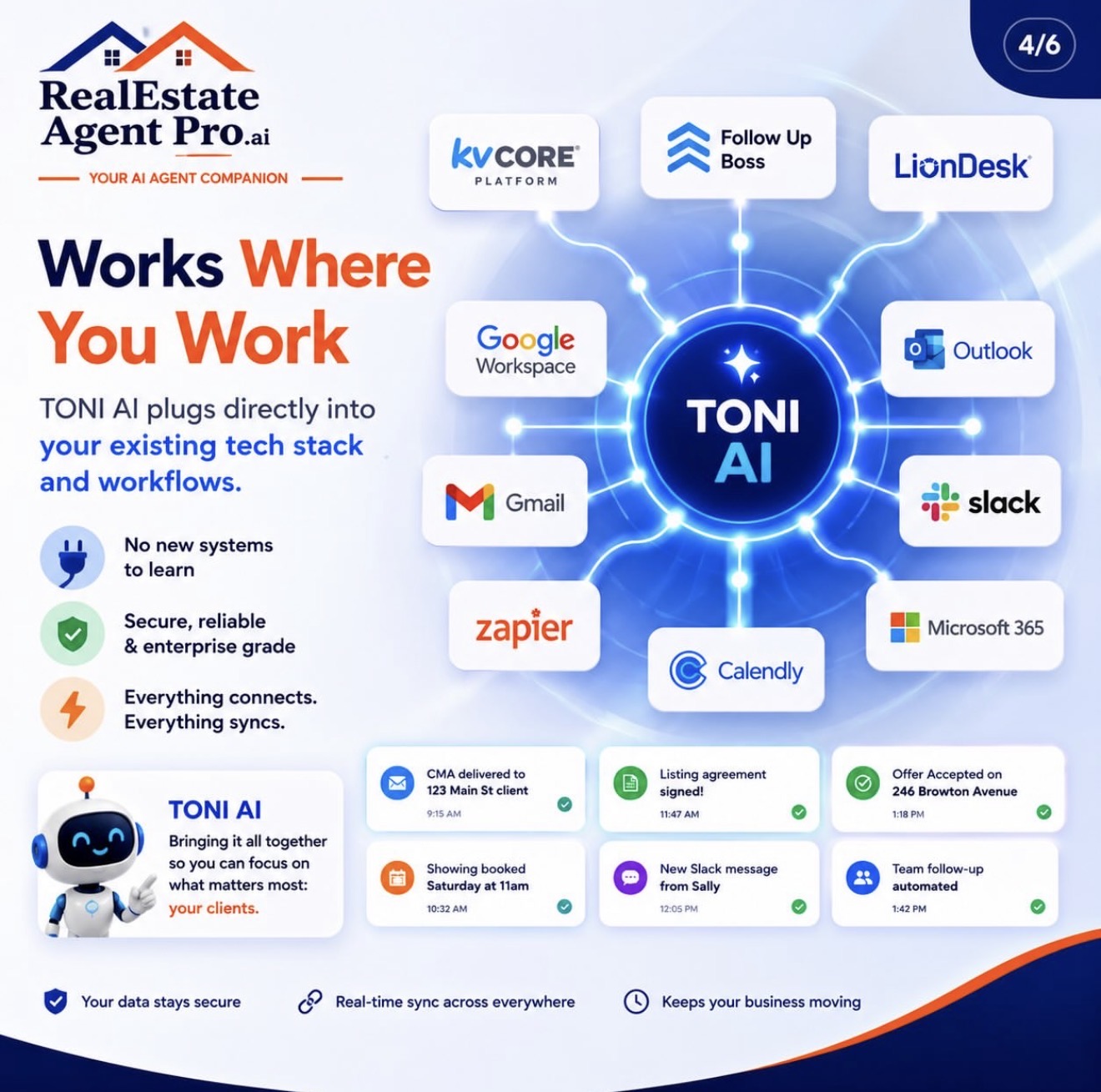
Use AI to support the repeatable work around your real estate business, with your team staying in control of client relationships and decisions.
LikelyListings.com is a complementary concept for predictive seller intelligence: helping agents prioritise potential homeowner opportunities using available property and market signals, then organise thoughtful outreach.
Organise outreach around signals and timing rather than treating every contact the same.
Turn a potential opportunity into a clear, human-led next action.
Predictive insights depend on data availability, validation and applicable privacy and marketing rules.

Start with one real estate workflow that needs attention, agree the rules, then configure and test the connections that are available for your business.
Choose a priority such as new-lead follow-up, buyer nurture, valuation enquiries or reactivating older contacts. Define what should happen and when a person should step in.
Review your CRM, inbox, calendar and communication channels. We confirm which integrations and permissions are available before promising a live workflow.
Set the approved information, tone, qualification questions, follow-up rules and escalation points for your team.
Run test scenarios, review responses and adjust the workflow before using it with real clients. Your team stays responsible for important decisions and relationships.
What an Agent Companion is, how it fits into a real estate business, and what to confirm before switching workflows on.
One AI assistant that works for your agency and nobody else’s. You talk to it like you’d text a right-hand person, and it does the follow-ups, nurtures leads, helps respond to enquiries and keeps the admin moving. You name it, and it learns how you run your real estate business.
Those wait for a customer to call or click. Your Companion works whether anyone calls or not, and it messages you first: “Three buyer enquiries from last week have gone quiet. I’ve drafted follow-ups. Send them?” It’s a team member, not a tool that sits there until someone uses it.
No. Your Companion lives in the messaging app on your phone, so you run your business between viewings and appointments, not at a desk at 9pm. There’s a dashboard if you want it, but you’ll rarely need to open it.
It starts with a conversation, not a setup form. It interviews you about your services, your area, how valuations and offers work and what drives you mad. Every time you correct it, it remembers. Month three is far sharper than week one, because it has learned your way of doing things.
Yes, and this is the bit nobody else does. Tell your Companion what’s eating your time and it builds a dedicated helper for that job: reactivating old leads, following up after valuations, asking for reviews after a successful transaction. It starts out handling enquiries, valuation and viewing follow-up, buyer and seller nurture, marketing, transaction reminders, your numbers and team handovers, then grows around your bottlenecks.
Yes. Your Companion can have a voice that answers calls 24/7, on a recorded line, where supported telephony is configured. Because it’s the same Companion, the phone side can use the customer context made available to it, such as their enquiry and previous conversation. Answering services start every call from zero. Availability, recording and consent requirements must be confirmed for your setup.
No. It works alongside the software you already use, and your records stay where they are. It can add notes, tasks and updates where supported, but it never takes over your system.
Only what you’ve approved. You choose what runs on its own and what waits for your yes. Anything involving an offer, valuation, client commitment or other sensitive decision can be set to come to you first. Your team stays in control.
From property portals and real estate CRMs to marketing, messaging and transactions, bring the tools you already use into a more connected workflow.
 Instagram
 WordPressInstagramWordPress
Platform logos are illustrative examples. Available integrations and workflows depend on permissions and configuration; we’ll confirm what is supported before promising a specific connection.
Tell us a little about your business and the work you’d most like to take off your plate. We’ll use that to shape a relevant walkthrough of RealEstateAgentPro.ai.